

Observability
Beyond the Partner API, you get a web dashboard to monitor and manage every merchant you provision. Switch between customers, inspect catalog health, review connections, and track distribution — without building your own admin UI.
This is how you offer white-glove catalog service: when a merchant asks why a product is missing from Google or whether their feed is syncing, your team can answer from the same console Channel3 uses — scoped to customers you provision through the API.
One place for every customer
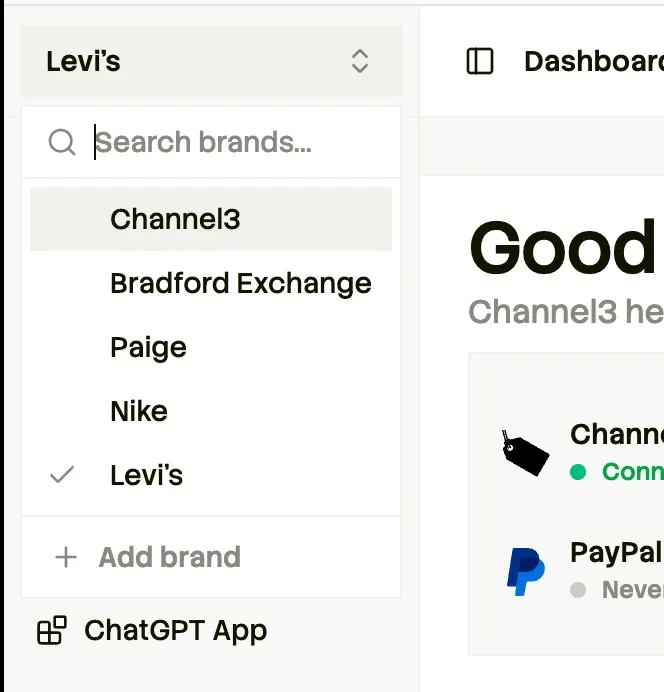
When you provision merchants through the API, they appear in your dashboard automatically. Use the brand selector to jump between customers while keeping the same views and workflows.
What you can see and manage
Catalog
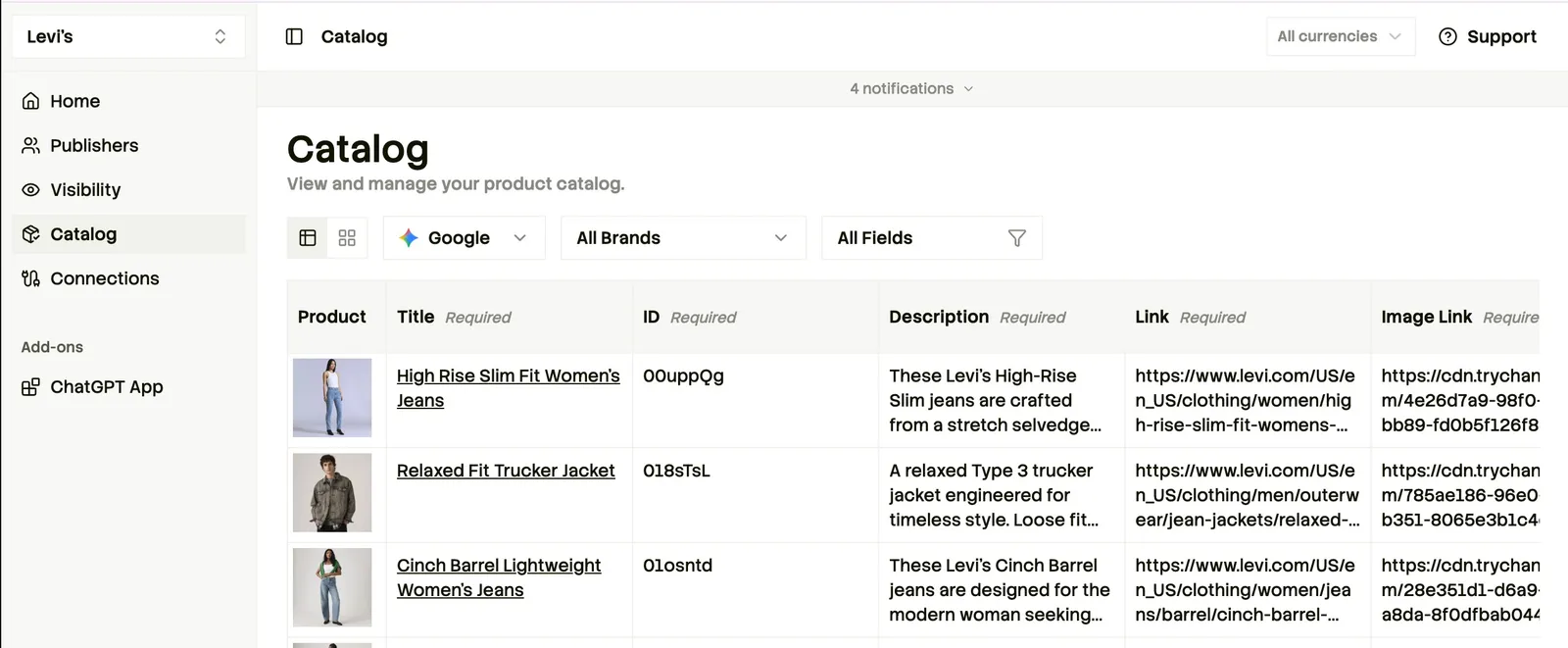
Drill into a single merchant to review their full product catalog — titles, IDs, descriptions, image links, and how each record maps to destination specs. Filter by brand or field, and confirm what Channel3 is publishing before you reply to a merchant.
Connections and sync status
See every import source and distribution destination for a merchant, with live sync state. When Google, Microsoft, or OpenAI shows stale or partial data, check here first — account IDs, last sync time, and product counts tell you whether the issue is on the connection or in the catalog.
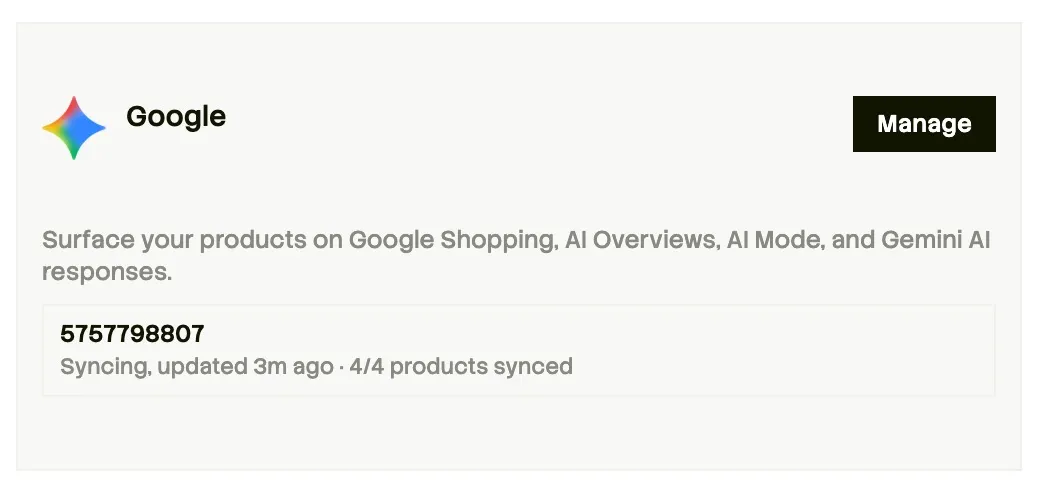
This complements the List connections API — use the dashboard when your team needs to investigate visually; use the API when your product needs programmatic status.
Getting access
Your dashboard is provisioned when Channel3 onboards your partner account. Contact support@trychannel3.com if you need access or additional team members added.